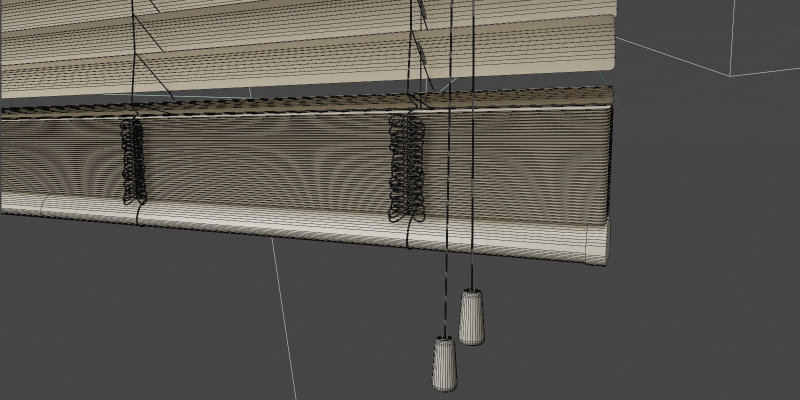
Basic Usage
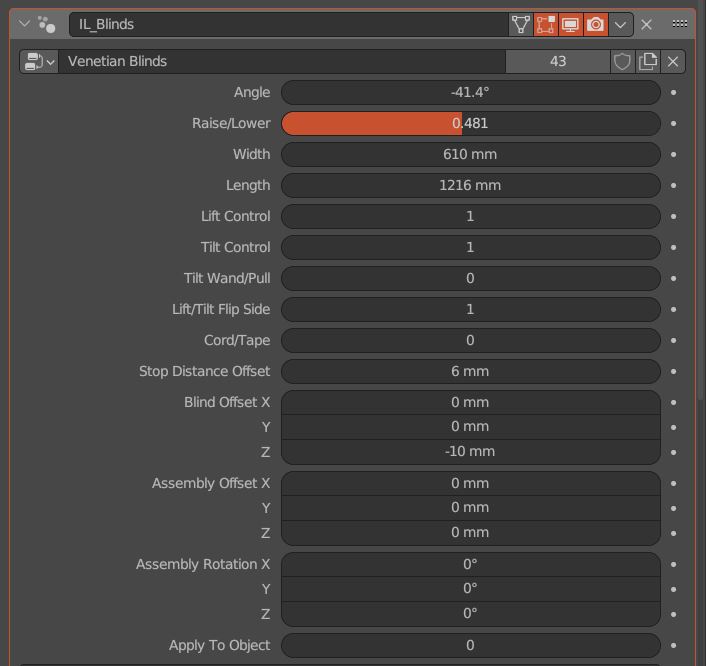
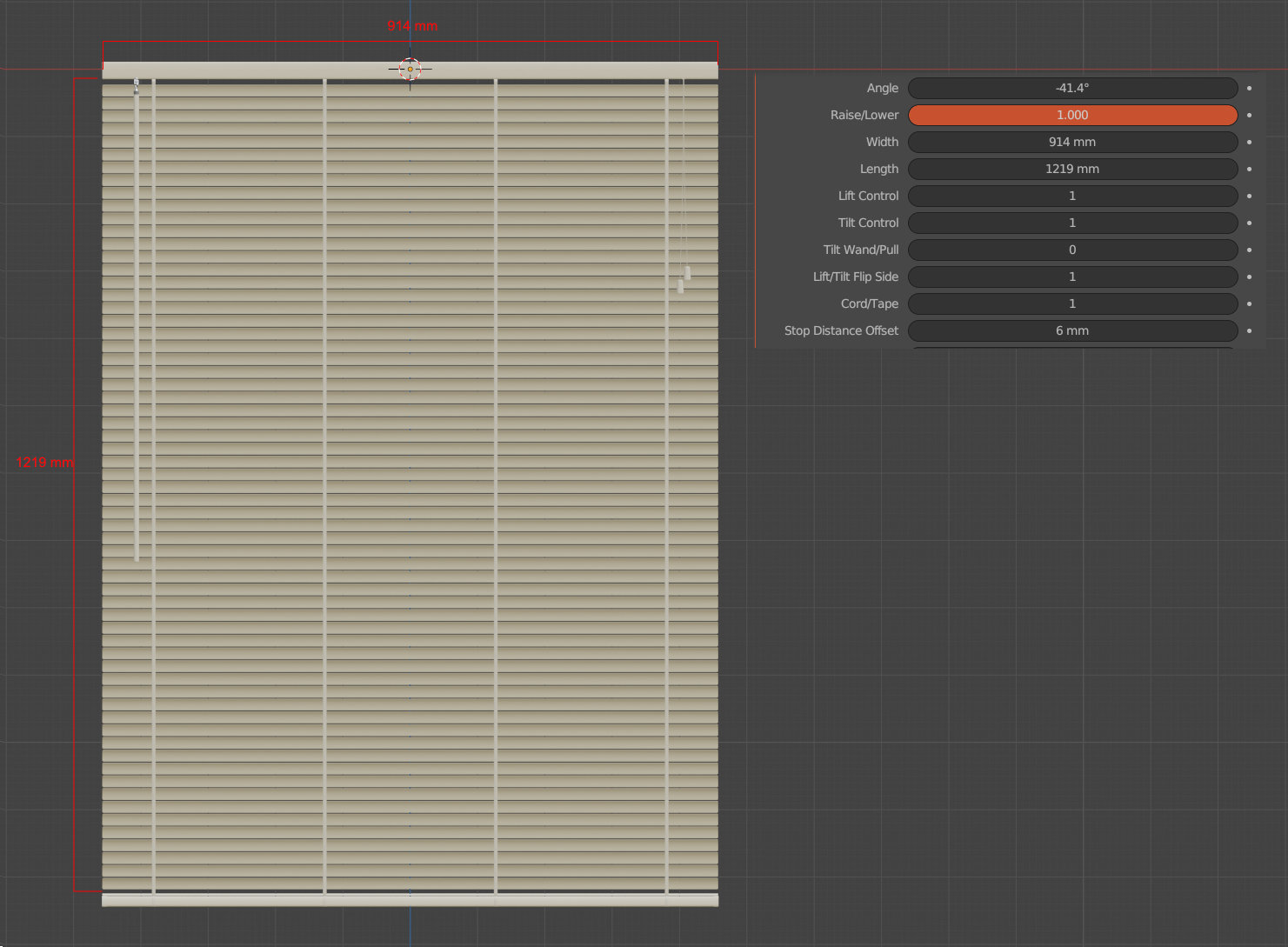
All of the parameters that you need for basic operation are located in the top section of the Geometry Nodes modifier.
Basic Controls
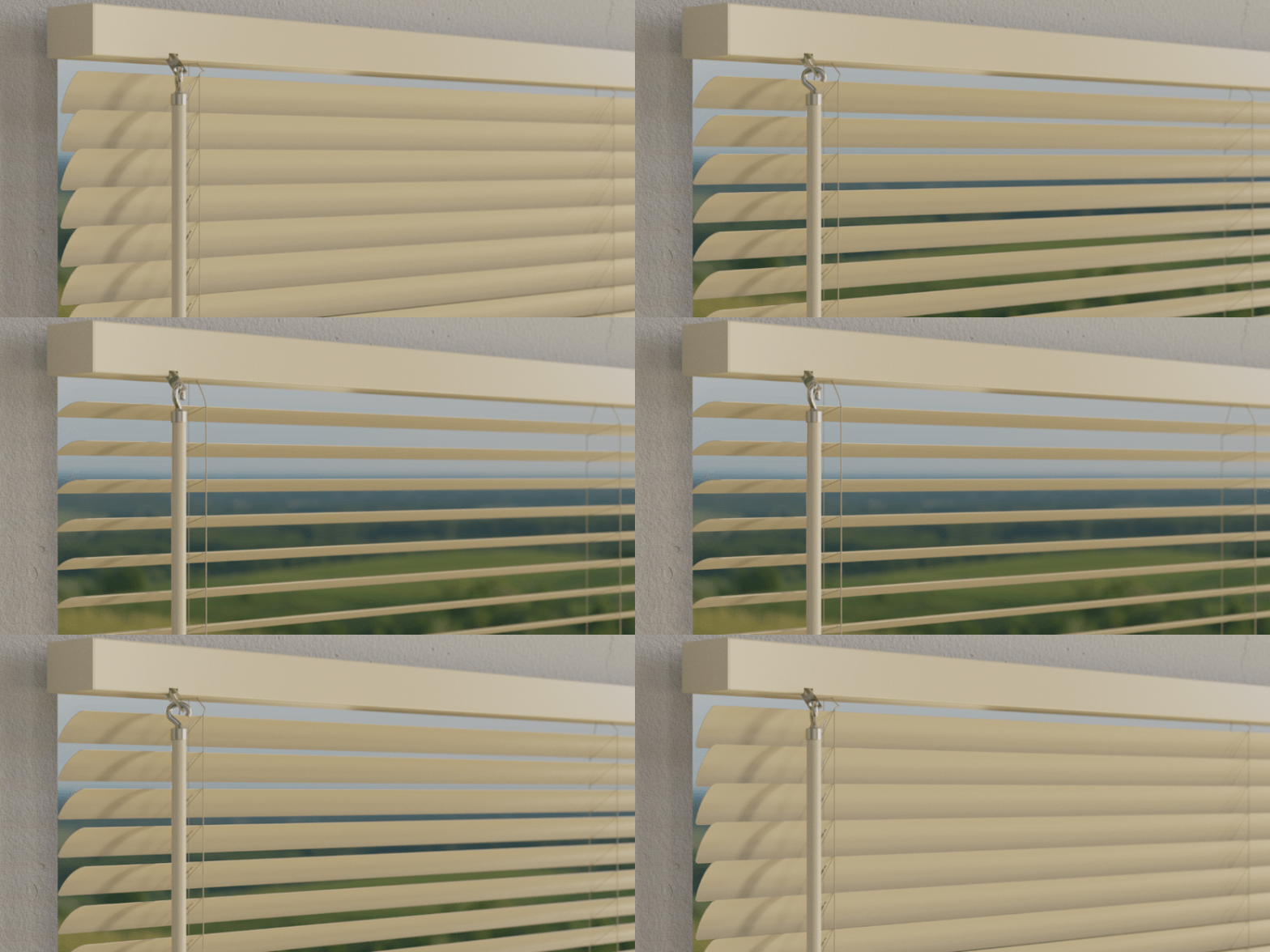
Angle
Use this value to set the angle of the slats in degrees. Range is from -90° to 90°.
Raise/Lower
Value from 0-1, raised fully to fully extended. This amount is also affected by the Stop Distance Offset value.

Blind Dimensions
Width
The desired width of the blinds. This value respects the unit system of the blender file.
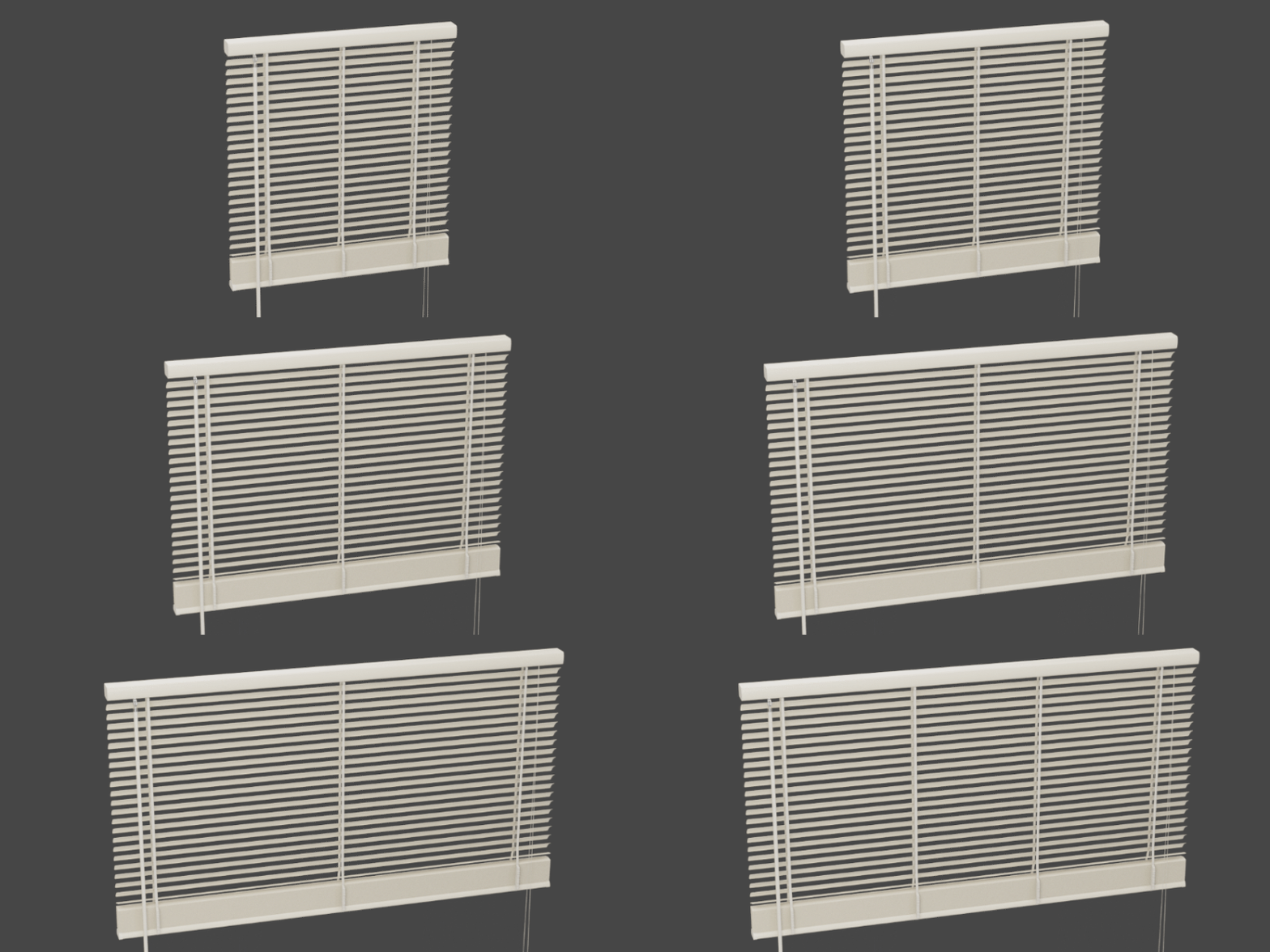
Length
The desired length of the blinds when fully extended. For best results, set this value to something divisible by the slat spacing. This value respects the unit system of the blender file.
Blind Control Settings
Lift Control
Show or hide the lift control object. Turn it off for blinds that are pulled down via the bottom rail as a handle.

Tilt Control
Show or hide the tilt control object.
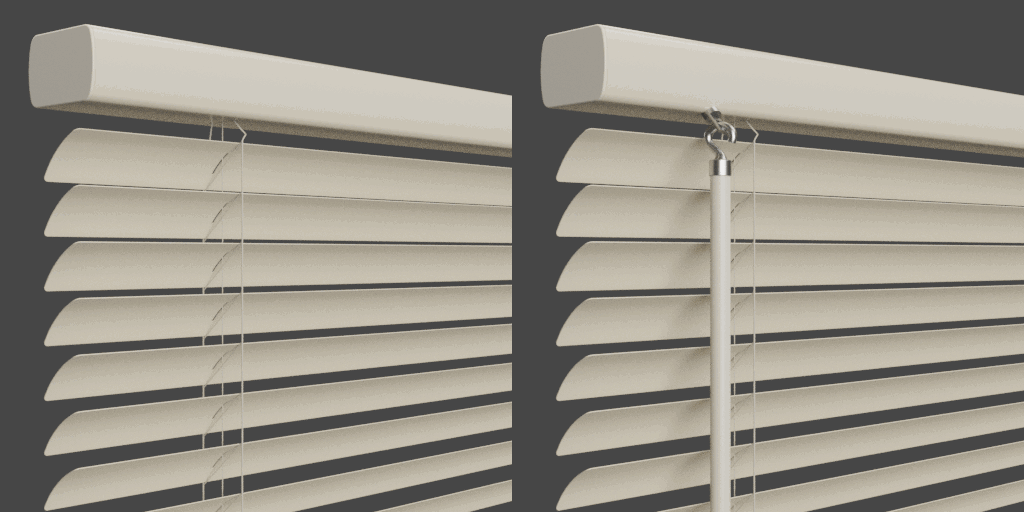
Tilt Wand/Pull
Change whether the tilt control is a wand or a pull.
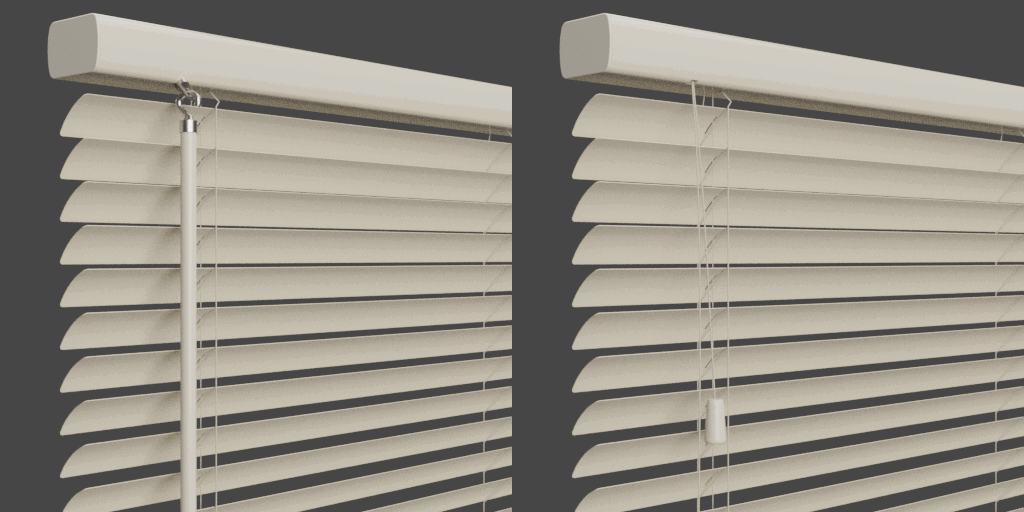
Lift/Tilt Flip Side
Change which side the tilt and lift controls are located.
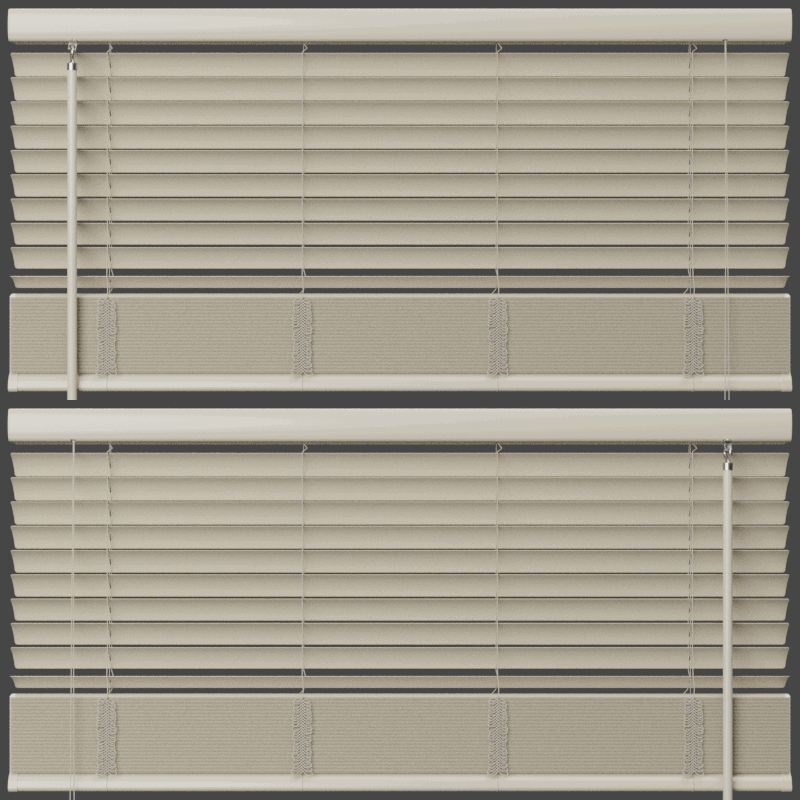
Cord/Tape
Change whether the ladder is cord or tape.

Additional Settings
Stop Distance Offset
Specify how far from the headrail the blind should stop.

Blind Offset
Offset the blind from the headrail. This is especially useful if you have an odd slat spacing or a larger or smaller headrail.
Assembly Offset
Offset the entire assembly from the origin. This in conjunction with the Assembly Rotation is useful if you want to change how the snapping behaves when you drag it from the Asset Browser.
Assembly Rotation
Rotate the entire assembly from the origin.
Apply To Object
The resulting geometry will be based on instances for better performance. If you plan to export the object, you can turn on this setting to output a single mesh.